
The best living-room control workflow is the one that reduces decisions at the moment you sit down: one reliable power command, one input path, one volume path, and a fallback when voice or automation fails. Universal remotes, HDMI-CEC, Matter devices, and smart-home dashboards can all help, but simplicity comes from designing the routine before buying more gear.
Living-room simplicity rule: Start with the devices you already use every week, remove duplicate controls, standardize input and volume behavior, and add automation only where it saves steps without creating new failure points.
Map the room before replacing remotes
List every device involved in a normal viewing session: TV, streaming box, game console, receiver, soundbar, projector, Blu-ray player, lights, shades, Wi-Fi router, and voice assistant. Then write the current steps for three scenes: watch streaming, play a game, and turn everything off. The pain points will appear quickly. Maybe the TV remote controls volume only sometimes. Maybe the console wakes the TV but not the receiver. Maybe a voice command works for lights but leaves the input wrong.
HDMI.org is the official source for the HDMI standard, and HDMI-CEC is the feature family many devices use to pass control commands through HDMI connections. In plain terms, CEC can let one remote power devices, switch inputs, or control volume. It is helpful, but not perfectly consistent because manufacturers label and implement it differently.
Choose a control model
Comparison snapshot:
- Control model: TV remote plus HDMI-CEC; Best for: Simple TV and soundbar setup; Strength: Minimal hardware; Weakness: Inconsistent across brands
- Control model: Universal remote; Best for: Multiple AV devices; Strength: Physical buttons and activities; Weakness: Fewer premium options than years ago
- Control model: Smart-home app; Best for: Lights, shades, scenes, media; Strength: Custom routines; Weakness: Phone dependence
- Control model: Voice assistant; Best for: Hands-free simple commands; Strength: Fast when it works; Weakness: Awkward for input correction
- Control model: Home Assistant dashboard; Best for: Tinkerers and mixed systems; Strength: Deep customization; Weakness: Setup complexity
Build scenes around activities, not devices
A good workflow says “Movie,” not “TV on, receiver on, streaming input, lights down.” Activities are easier for households because they describe intent. Create a few scenes only: Movie, Game, Music, Reading, All Off. Too many scenes recreate the clutter you were trying to fix.
For each scene, choose one authority for power, one for volume, and one for lights. If the receiver controls audio, make every remote volume button talk to the receiver. If the TV is the central input switch, stop using the receiver as the input hub. Mixed authority is where living rooms become frustrating.
The Connectivity Standards Alliance’s Matter standard aims to improve smart-home interoperability, and Apple and Google both provide support pages for setting up Matter devices in their home apps. Matter is useful for lights, plugs, sensors, and some connected devices, but it does not automatically solve every media-control problem. Treat it as a smart-home layer, not a magic universal remote.
Where Home Assistant fits
Home Assistant’s universal media player documentation describes combining multiple media entities into one controllable media player. For a technical household, that can create a clean dashboard for a complex system. For a non-technical household, it may be too much maintenance. The right choice depends on who will fix it when something stops working.
If only one person understands the setup, keep a printed or shared fallback note: which remote changes input, which remote changes volume, how to restart the streaming box, and how to turn off automation. A simple room should not depend on one expert being home.
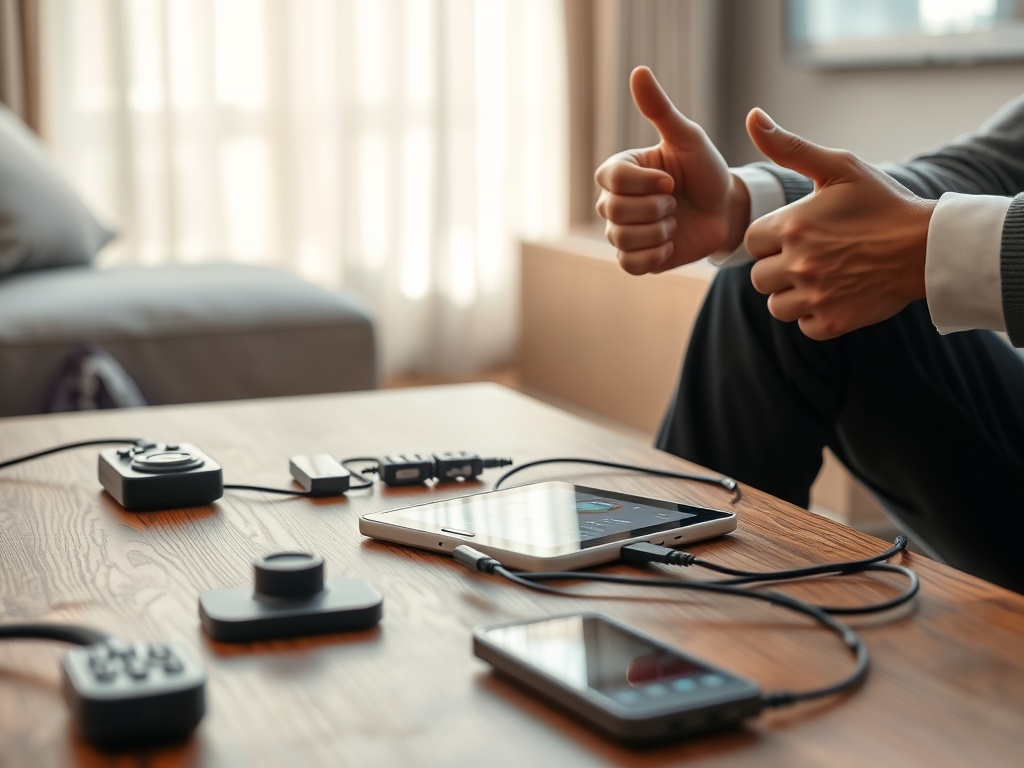
Universal remote buying principles
Look for device compatibility, activity macros, comfortable physical buttons, rechargeable or replaceable batteries, simple editing, and household tolerance. Touchscreens look sleek but are not always better in a dark room. A good remote should let someone pause, adjust volume, and go back without looking closely.
Avoid overbuying for imaginary use cases. If the household streams from one box and uses one soundbar, HDMI-CEC plus a TV remote may be enough. If the room includes a receiver, projector, disc player, console, streaming box, and lighting scenes, a physical universal remote or dashboard starts to make sense.
Smart-home mistakes that make rooms harder
The first mistake is adding voice commands before basic power and input behavior is stable. The second is building scenes that rely on cloud services for every action. The third is hiding essential controls in a phone app that guests cannot access. The fourth is automating around unreliable hardware instead of fixing the wiring, HDMI path, or network.
Home entertainment also intersects with culture. A living room that is easy to use supports watch parties, gaming nights, fandom marathons, and family viewing. For the language that often shapes those shared media conversations, see the fandom guide to canon, headcanon, and ship.
A simple setup process
First, update device firmware. Second, enable HDMI-CEC on the TV, receiver, soundbar, and streaming device, noting each manufacturer’s name for it. Third, test power, volume, and input switching. Fourth, decide which remote is primary. Fifth, add smart lighting scenes only after media control is stable. Sixth, write a fallback note.
If your media room doubles as a collection space, preserve boxes, receipts, and serial documentation for valuable gear or memorabilia. The guide to provenance and memorabilia prices explains why documentation becomes more important as objects gain resale or collector value.
The best workflow is boring in use
A successful living-room control system disappears. People sit down, choose an activity, adjust volume, and stop thinking about inputs. That may require a universal remote, a smart-home platform, or only a better HDMI-CEC setup. The winning design is the one your least technical household member can use on the first try.